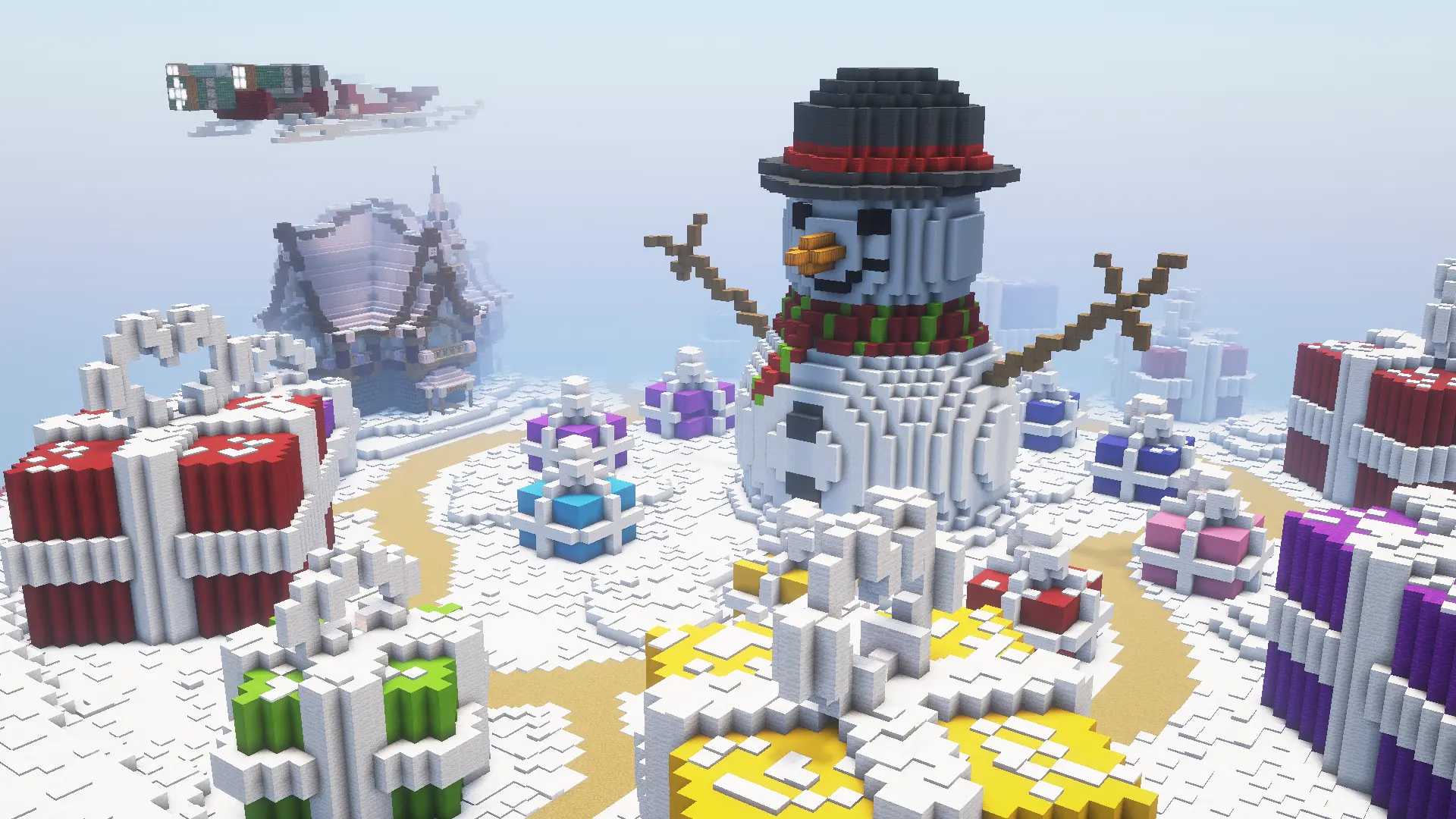
Creative Mode
KiwiSMP Creative is a building world with unlimited blocks and no survival pressure, open to Java and Bedrock players. Plan builds, practise, and enter community build contests. Join free at play.kiwismp.fun and pick Creative at spawn.
Creative facts
| Blocks | Unlimited |
|---|---|
| Server address | play.kiwismp.fun |
| Bedrock port | 19132 |
| Editions | Java + Bedrock crossplay |
| Build contests | Yes, announced in the Discord |
| Price | Free |
 Go wild with unlimited blocks
Creative is where you build without limits. Test a design before you build it in Survival, practise a new style, or just make something ridiculous with your friends.
 Enter build contests
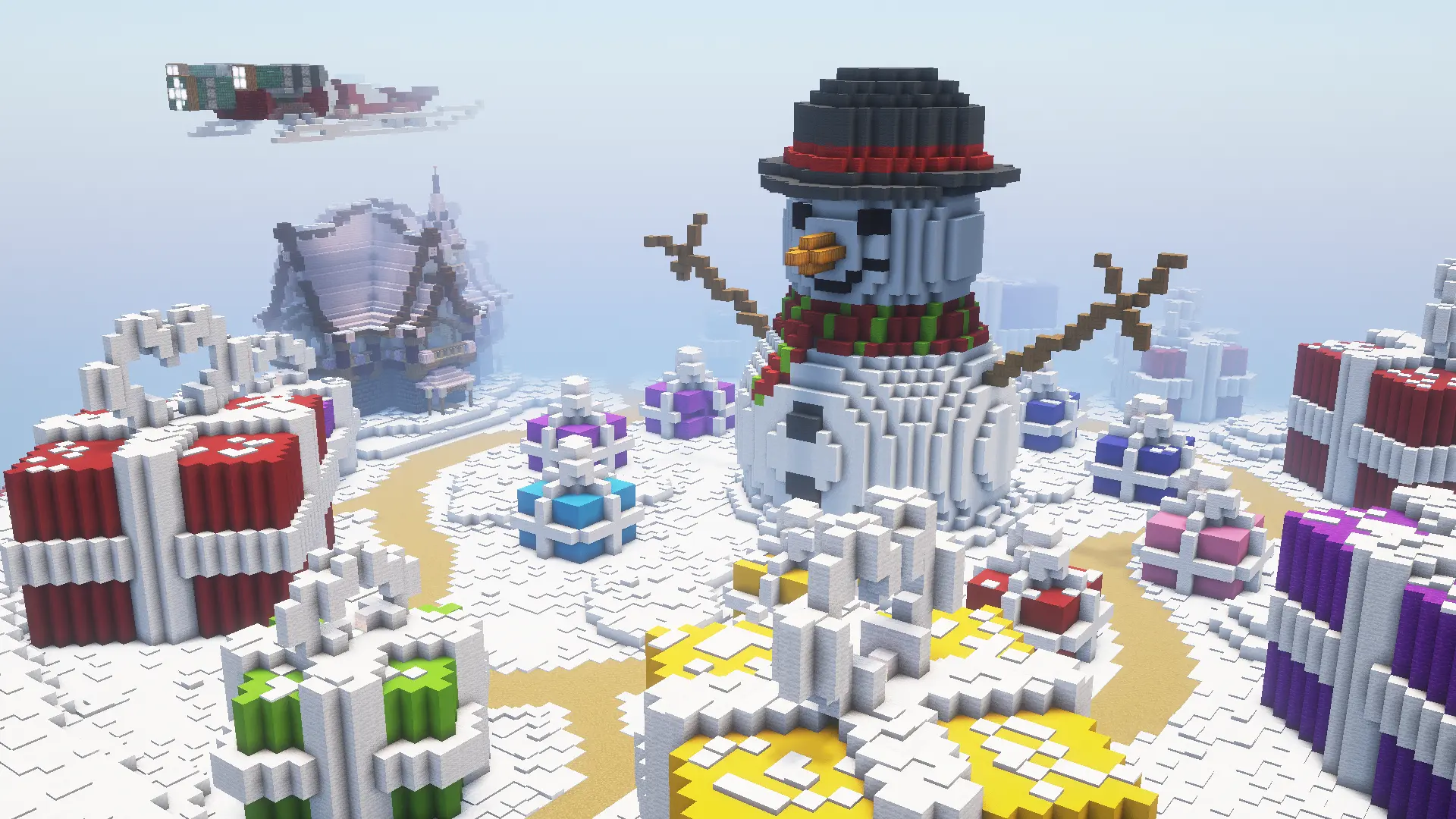
KiwiSMP runs themed build contests as part of its weekly events, and the community's best builders compete for the win.
 Join the Creative world in 2 minutes
Java (PC & Mac)
Multiplayer → Add Server → play.kiwismp.fun → Join Server. Pick Creative world at spawn.
Bedrock (phone, tablet, Windows)
Play → Servers → Add Server → play.kiwismp.fun, port 19132.
Console, screenshots and troubleshooting: full join guide →
 Creative questions
What is Creative mode on KiwiSMP?
Creative is KiwiSMP's building world: unlimited blocks and no survival pressure, so you can focus on the build.
Can I enter build contests?
Yes. KiwiSMP runs build contests as part of its events, such as the Winter Build Contest. Announcements are posted in the Discord.
Can Bedrock players use Creative?
Yes. Java and Bedrock players share the Creative world. Join at play.kiwismp.fun (Bedrock port 19132).
Is Creative free?
Yes, Creative is free to play.
Also on KiwiSMP
 Earth SMPSurvival on a 1:500 map of the real Earth. Build your hometown, claim land, start a nation and trade with neighbours.
 Survival SMPRelaxed multiplayer survival. Build a base, farm, trade and settle in at your own pace with friends.
 Weekly EventsEvery weekend the community votes on the games: Squid Game, Hunger Games, Split or Steal and more.
Last updated