
Earth is now on 26.3
The Earth SMP has been updated to Minecraft 26.3, Wilderness Bound. That means everything from the newest updates is now on the map, from the cosy autumn forests of 26.3 to the sulfur caves of 26.2.
The new blocks work just like they do in normal Minecraft. The fun part is where they are on our Earth.
Where to find it all
Our Earth isn't random: every biome is placed where it belongs in the real world. So we've put the new ones in real places too.
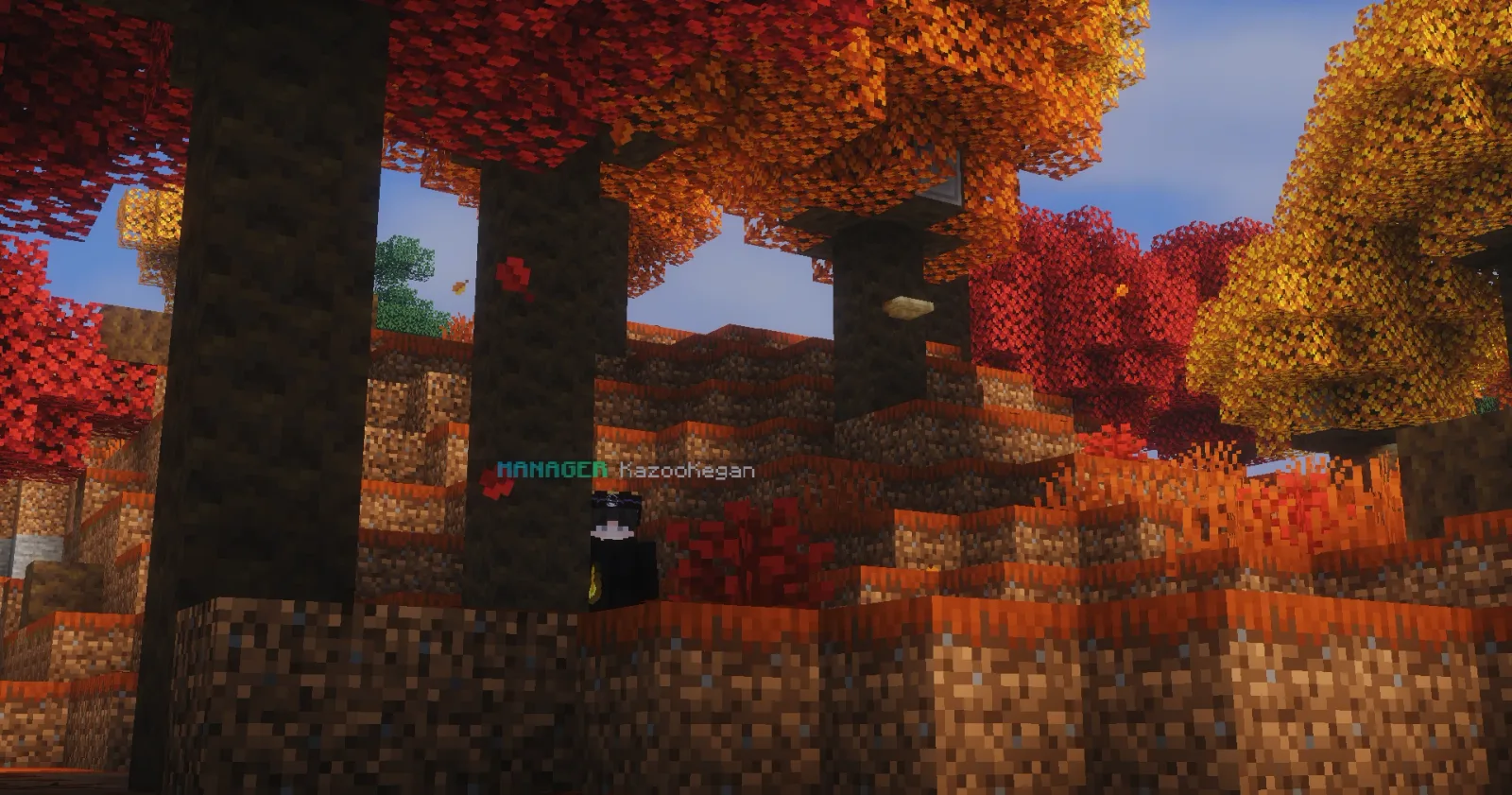
The Dappled Forest: Colorado Rockies, USA
Head to the Rocky Mountains in Colorado to find the new Dappled Forest, and with it the poplar trees and their brand new wood. Bring an axe and a camera: it's autumn there all year round.
Sulfur caves: Kawah Ijen, Indonesia and Almadén, Spain
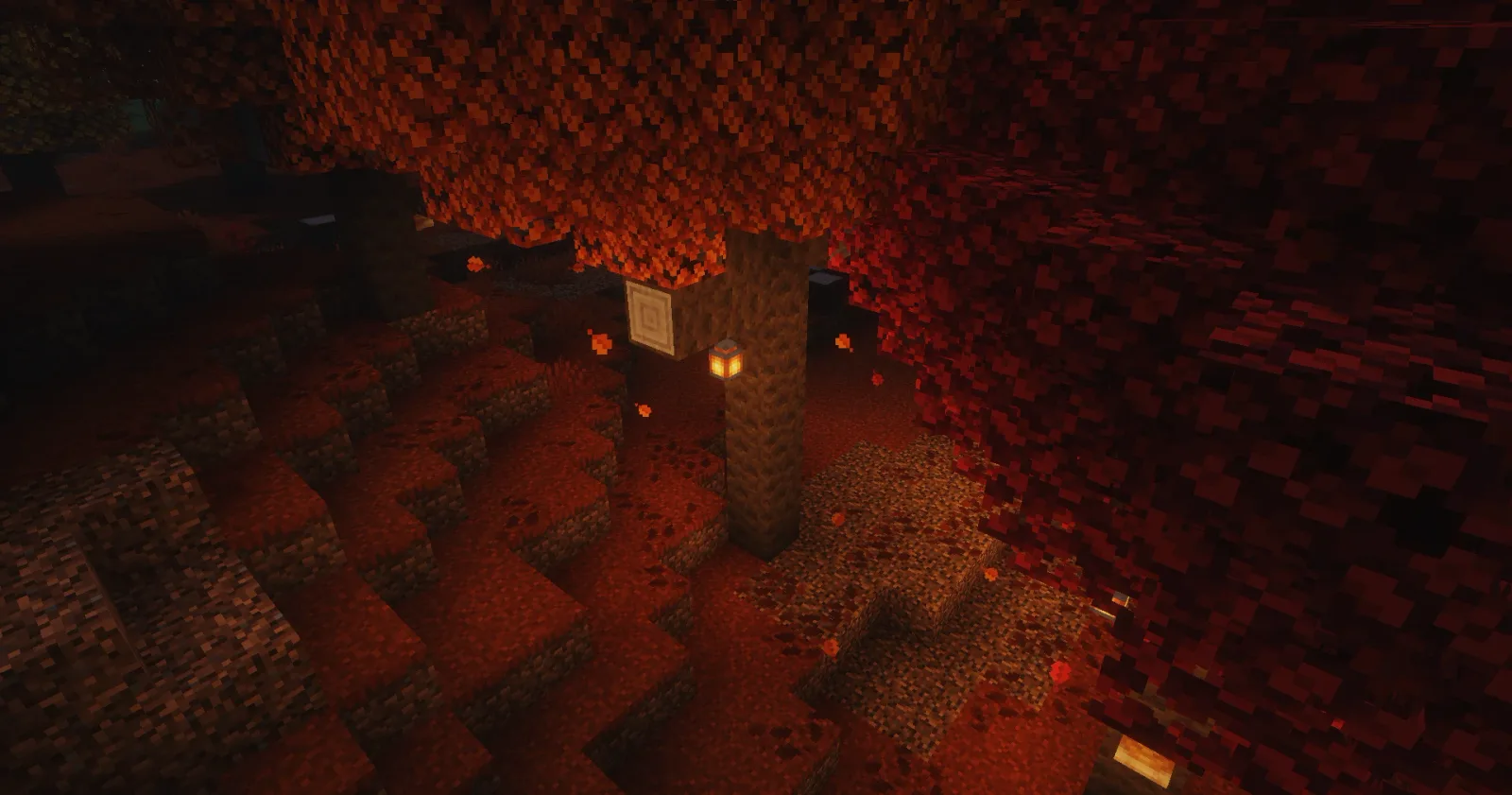
The sulfur caves can only be found in two places on the whole planet: Kawah Ijen, the famous volcano in Indonesia, and Almadén in Spain.
Sulfur is limited. These are the only two sulfur caves on the entire map, so there's only so much to go around. First come, first served!
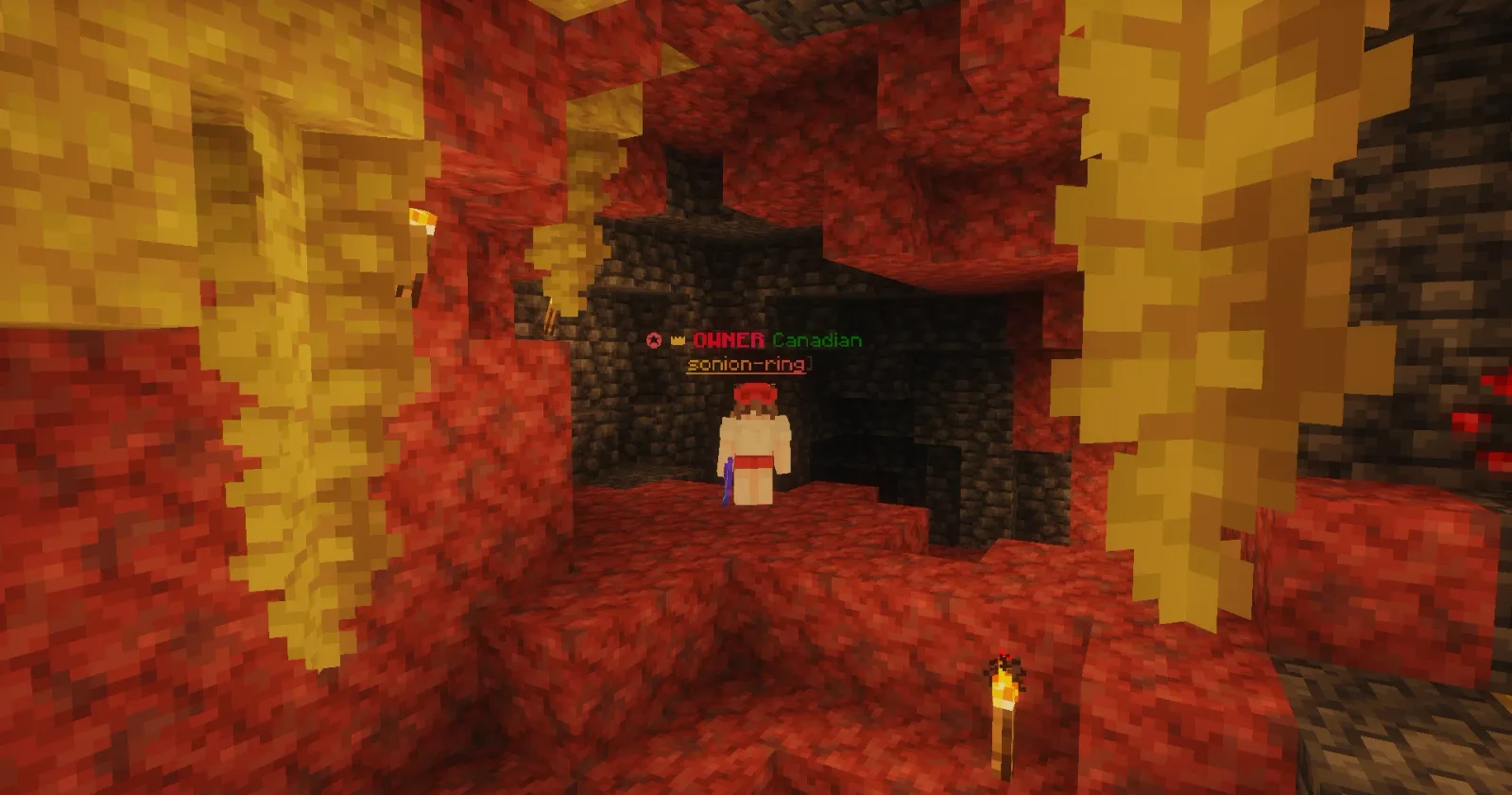
Not sure where these are? Find them on the live map before you set off.
Claiming, rebuilt
Claiming land got a whole lot better. Instead of remembering a pile of commands, you now get a full control panel for every claim you own, all in one menu: /claims.
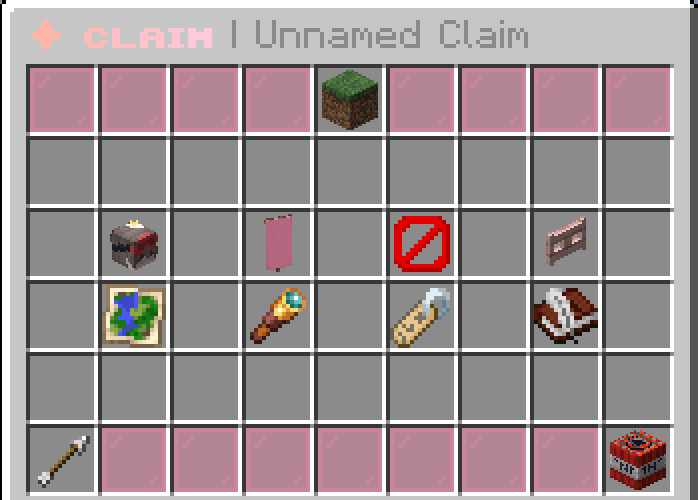
Everything in one menu
- Your claims list shows every claim with its world, location, size, guests, bans and whitelist status. Your claim blocks (left, earned and bonus) are at the top.
- The claim tool button switches your golden shovel between claiming land and making subdivisions.
- Click any claim to manage it: guests, flags, bans, the entry whitelist and subdivisions, which you can manage just like their own claim.
- Show the outline, rename, transfer it to another player, or abandon it. Transferring and abandoning ask you to confirm first, so no more accidents.
Guests and trust
Trust players by clicking their heads, and right-click someone to remove them. Trust works as a ladder, and each step includes everything before it:
- Entry
- Access
- Container
- Build
- Manager
Claim flags
Owners and managers decide exactly what untrusted players can do in their claim, with 30 different flags:
Claim bans
- Ban someone from your claim and all its subdivisions, from the menu or with
/claimban <player>. - Banned players are moved out to the nearest safe spot, and can't walk, ride or teleport back in.
- Unban with
/claimunban, and see your list with/claimbans. - Bans from the old ban plugin have been carried over, so nobody sneaks back in.
Private claims
Turn on the entry whitelist and only you, your trusted players and the people you add can enter. You can add someone to the whitelist without giving them any trust, so they can visit but not touch anything. Use the menu, or /claimwhitelist on|off|add|remove.
Better protection
- Doors, trapdoors and fence gates in claims are now locked to strangers. Give someone Access trust, or turn on the Use Blocks flag.
- Cushions (new in 26.3) are protected: strangers can't place, break or sit on yours.
- Sponges outside your claim can't soak up the water inside it.
- Subdivisions can choose whether they inherit trust from the main claim.
Glowing outlines
Claim outlines now glow like a highlighter you can see through walls: pink for claims, lilac for subdivisions and coral for admin claims.
Clan updates
Clan tax
Clan leaders can now set a clan tax: a flat amount billed every week or every month, paid straight into the clan bank.
- Paying is optional, but unpaid tax adds up into a bill, and you'll get a reminder when you log in.
- Pay it with
/clan paytax, switch on auto-pay, or use the new Tax menu. - Leaders never pay, and they can make certain ranks or trusted members exempt.
- Leaders can see who owes what, right next to each member in the clan roster.
Leader elections
No more clans stuck with a leader who quit. If every leader has been offline for 14 days, an election starts automatically.
- Vote with
/clan vote <member>or in the new Election menu. Voting for yourself is allowed! - While the vote runs, the inactive leader's powers are frozen.
- The member with the most votes becomes the new leader, and the inactive leader steps down.
The AFK Mart is back
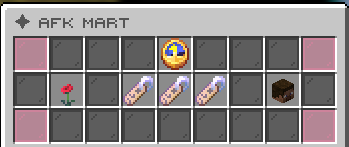
The AFK Mart has returned, and it's brought new stock: three brand new suffixes to show off next to your name, and one very special item: your very own player head. Time to spend those AFK points!
- [ꜱʟᴇᴇᴘʏʜᴇᴀᴅ]Sleepyhead
- [ᴀᴜᴛᴏᴘɪʟᴏᴛ]Autopilot
- [ᴅᴀʏᴅʀᴇᴀᴍᴇʀ]Daydreamer
Navigator update
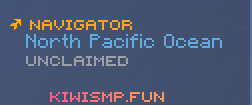
The Navigator, which tells you where in the world you are, now knows the water too. Oceans, seas and rivers are named, so you'll always know if you're sailing the Mediterranean or paddling down the Nile.
Better on Bedrock
Playing on a phone, tablet, console or Windows? This one's for you. We've fixed a bunch of things that Bedrock players were missing out on:
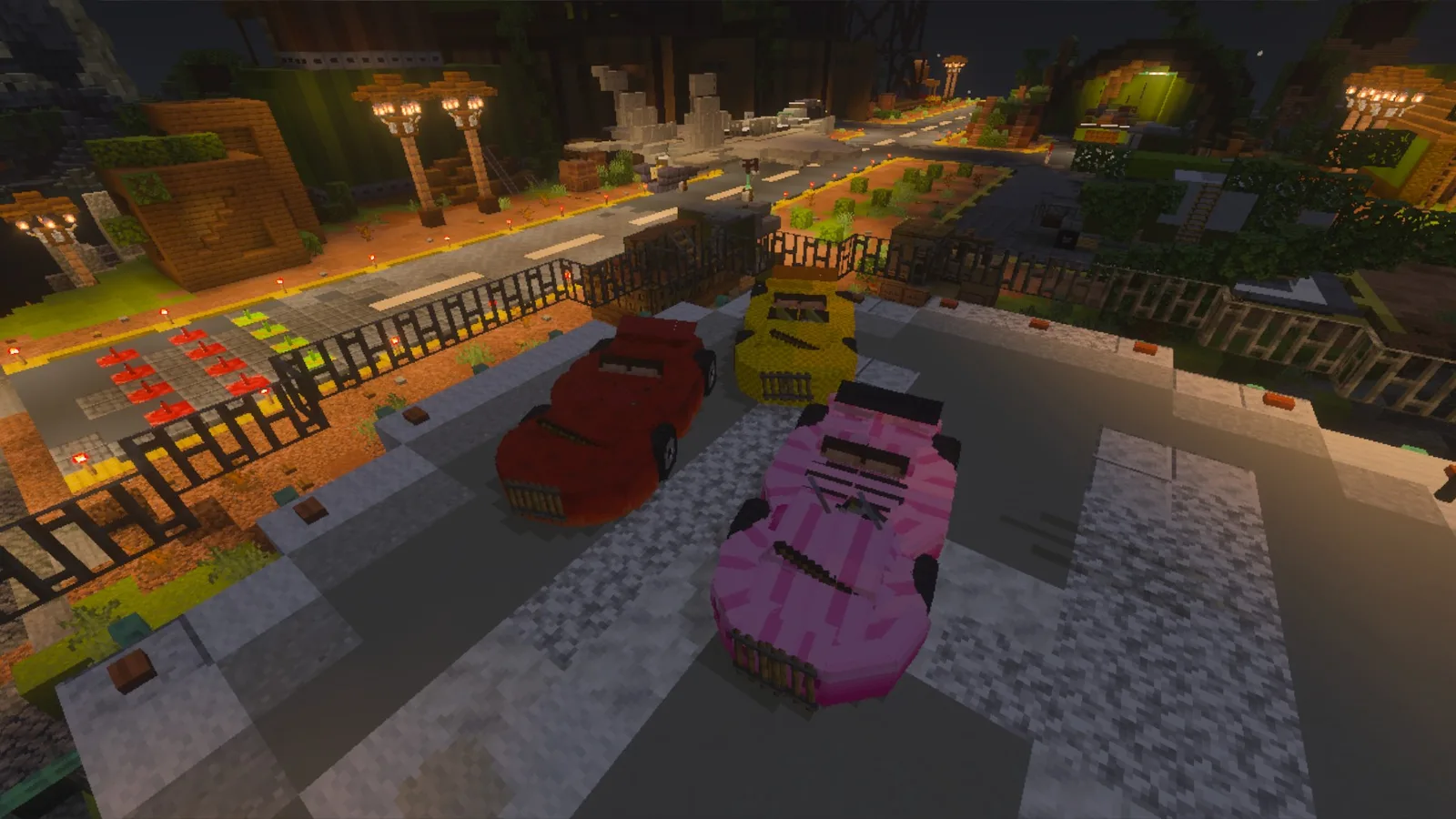
- Vehicles now show up properly. Cars look the way they should, instead of invisible or broken models.
- Glowing works.
/eglownow works for Bedrock players too. - Hex colours are visible. Custom colours in names, tags and chat now show up on Bedrock instead of plain text.
- Smoother gameplay. We've fixed the frame drops Bedrock players were running into.
Happy travels,